

site tutorials
Hot Tips and Walkthroughs to recreate a seamless website
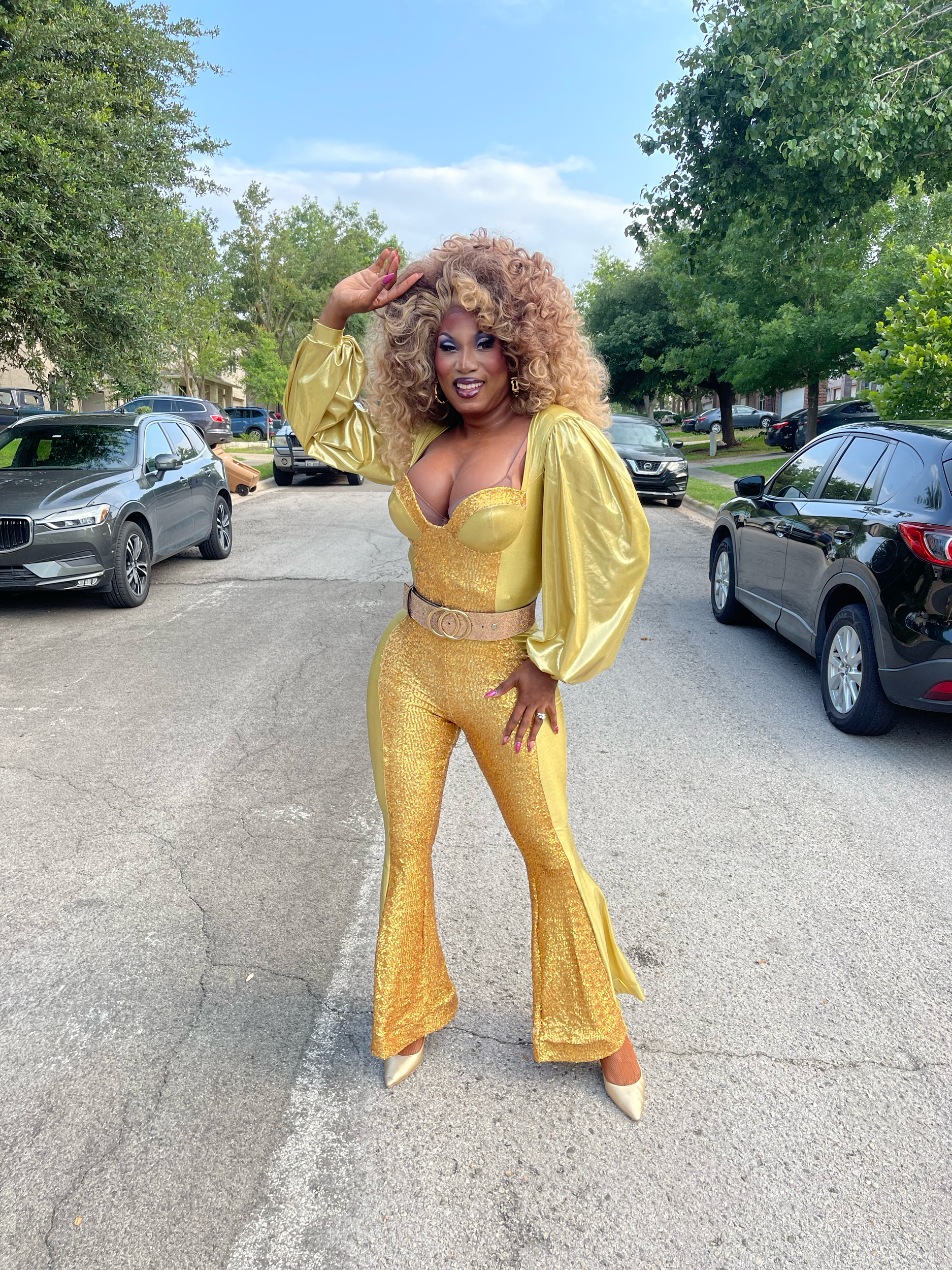
wavy frame and alternate font
remember
1. that alternate font is only available for Heading 2 & 3 under italicized
2. make sure to put wavy-frame anywhere in your filename when applying wavy mask
3. wavy mask will not appear while in Edit mode

Split background
remember:
you can always reuse the presaved section and change the content, like color of section and color of shape.
place background shape all the way to the edges of the section (top, left or right, bottom)
when useing a split background section, I highly recomment making the divider of the section and the section above a single line instead of the wavy divider (ex. green border)
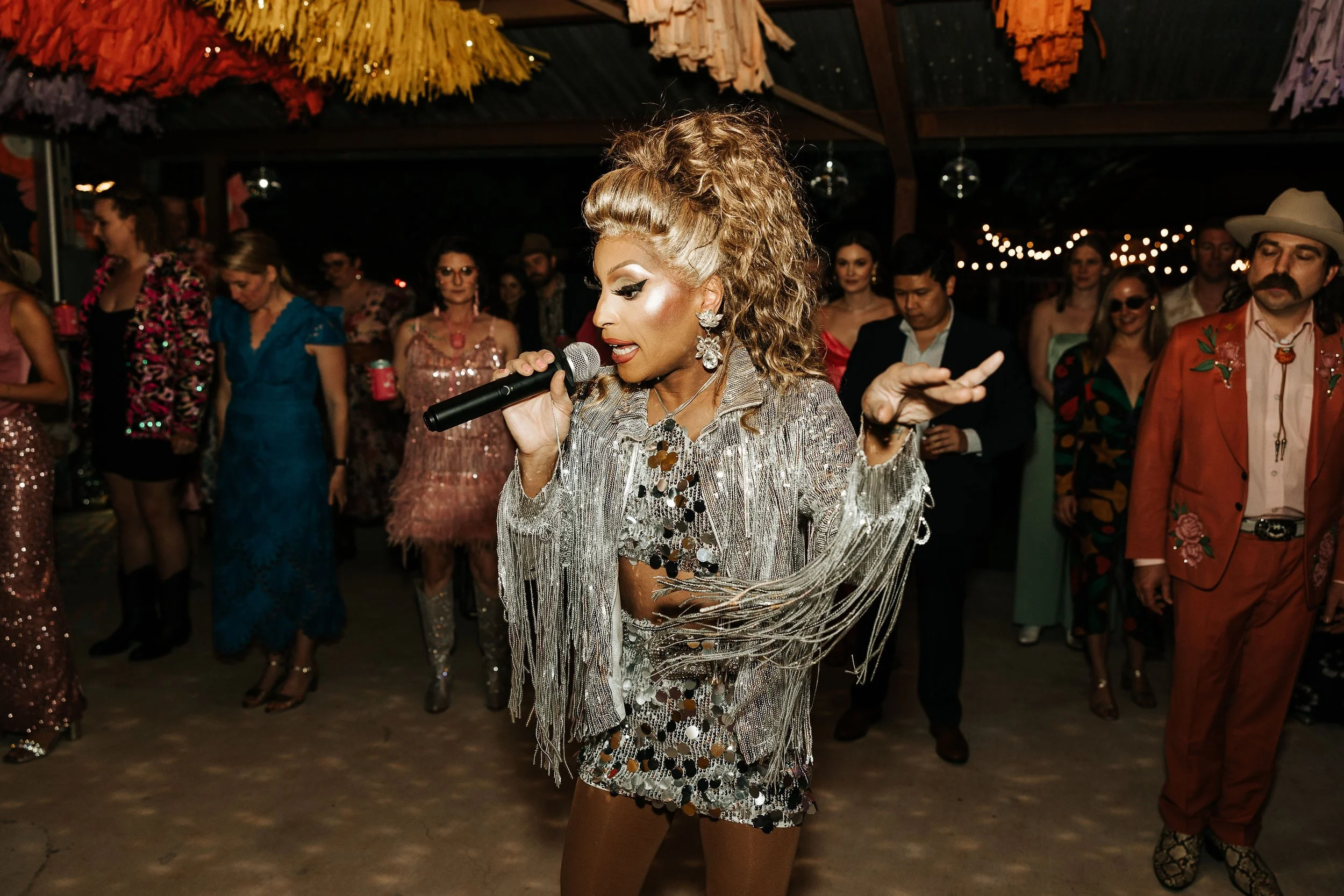
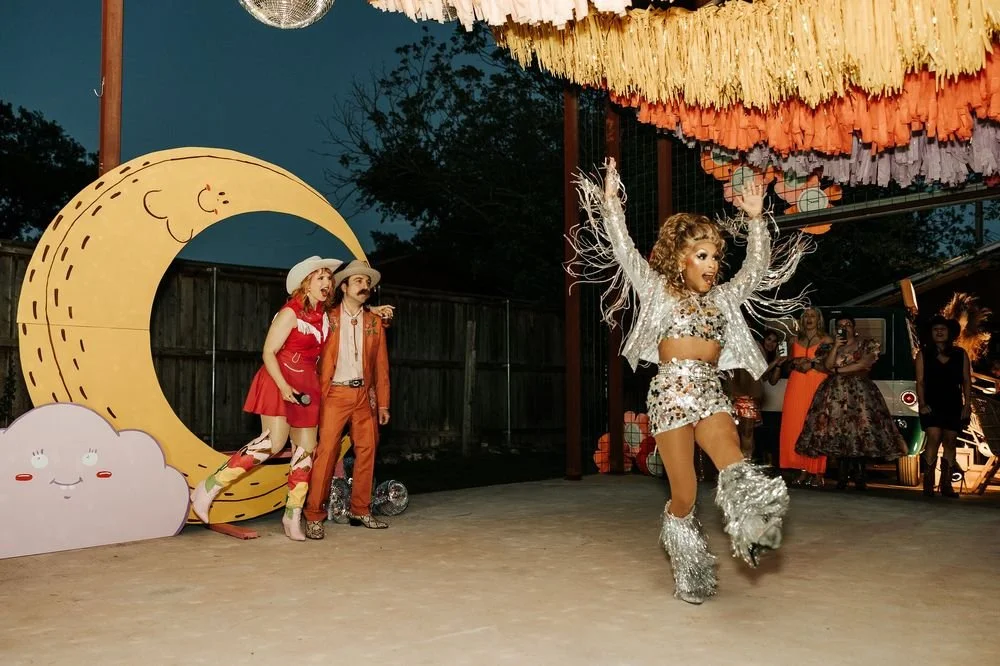
This is a background inset border
Hot Tips:
let the headline be only one line so it can really pop. place in center of photo
change up font colors so it is legible with chosen background photo.
play with opacity setting
Expanding Carousel
Remember:
reuse a presaved section for easier application
cannot toggle on button for these sections
add as many photos (recommend at least 4), change title, and color to your liking
Split Testimonials section
Remember to:
Add the "testimonials" anchor ID to your section under edit section, “anchor link” for split section effect.
or remove this to have testimonials take up entire width of section
To add more logos to scrolling marquee:
Remember to:
Set your List section to "Carousel" with infinite scroll enabled
Add the "marquee" anchor ID to your section under edit section, “anchor link”
Include more items than your maximum column setting, I recommend using the pre-saved section to leave setting as is and just changing the content, colors as you need
Video Sections
Hot Tips:
— Use Veed.io to compress any videos you are uploading, this plays a big roll in page load time as well as SEO ranking
in Veed.io (free) set the quality as medium and resolution as 1046x640
—re use presaved section and replace the videos, keep them in max 3 columns for a cleaner look. make sure they do not go past the entire height of section.
FAQs
We get asked these things a lot.
Maybe it’s on your mind, too?
-
play with your color palette to create different background and border
-
drag and drop the FAQ text block so its right in the middle of the accordion block.
-
Description text goes here
Weddings
✴︎
Bingo
✴︎
Bachlorettes
✴︎
Weddings ✴︎ Bingo ✴︎ Bachlorettes ✴︎
Let’s Do The Thing!
Hot Tip: Make sure the correct email is used under the storage tab of the form!

Cheeky headline here
☁︎
Cheeky headline here ☁︎
What’s Included
This section is great to list out service features/included perks
optio cumque nihil impedit quo minus id quod maxime placeat
facere possimus, omnis voluptas assumenda est, omnis dolor repellendus.